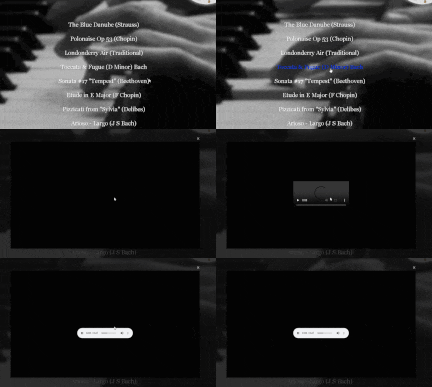
"The Piano Album" is hopefully a very easy website to use. We have tried to make it easy to navigate around it, with a lot of graphical icons. Usually, if you move your mouse pointer over a icon it should react if there is something that can happen.
The MENU PAGE is the Control Centre. If in doubt click on "The Piano Album" text at the top of every page. Watch out for Page Numbers or arrows which are also links.
All of the music is in the MP3 format, and the videos are in the MP4 formats. Both of these file types reduce the size of the files significantly.
Music and videos will be displayed in a "Light Box" media player that will appear when you click on a link. This will also allow you to download the files as well. The Media Player is a "plumbed in" device, so you do not have to download extra software.
Basically, that's it !!!!!